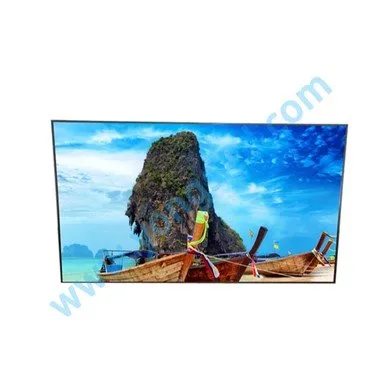
In recent years, the emergence of LCD advertising machines has attracted the attention of the new media industry. Its unique form of communication and exquisite design make more and more people like it more and more. The biggest feature of LCD advertising machine is remote control, centralized management and networking functions. So what is the network connection method of the LCD advertising machine? Let's introduce three networking methods for you:
HD LCD advertising machine
1. Wi-Fi network connection:
Wireless WiFi network connection is to convert wired network signals into wireless network signals, and then provide them to devices that need and can receive wireless network signals, such as computers, mobile phones, network advertising machines, etc. For the LCD advertising machine, a wireless WiFi network link can be used.
2. Network cable connection:
The network cable connection is directly connected to the LCD advertising machine through the network cable. It should be noted that when connecting the network cable, it is necessary to ensure that the LCD advertising machine terminal and the server of the workstation are in the same local area network. If it cannot be within the same local area network, then we can also connect through a wide area network, VPN (Virtual Private Network), etc.
3. 4G/5G mobile network connection:
4G/5G mobile network connection is a method that is less used so far. It is a fourth-generation mobile communication technology that supports cellular mobile communication technology for high-speed data transmission, and then connects wireless communication with multimedia communication such as the Internet. The new generation of mobile communication system.
The above is Rong Da Caijing's introduction to the three network connection methods in the LCD advertising machine. These networking methods are not fixed. When choosing the networking method, it is necessary to choose the most suitable way to connect the LCD advertising machine according to its application and application environment.